Maximization of a web browser through the Web Driver (Python selenium) is very easy. In short, all you have you have to do is start the browser and call the maximize_window().
(Selenium is a Python module that uses a web driver to control a web browser for you)
Practice now: Test your Python skills with interactive challenges
selenium
selenium maximize
Before you start, make sure you have the right Web Driver installed for your Web Browser. For Firefox that's GeckoDriver, For Chrome that's ChromeDriver and so on.
Besides installing the Web Driver, you need to install the Python selenium module. The selenium module can be installed using the operating systems package manager or pip.
The example below opens the web browser and maximizes it. This is done in a few steps.
from selenium import webdriver
import time

driver = webdriver.Firefox()
driver.maximize_window()
time.sleep(5)

driver.get("https://www.python.org")
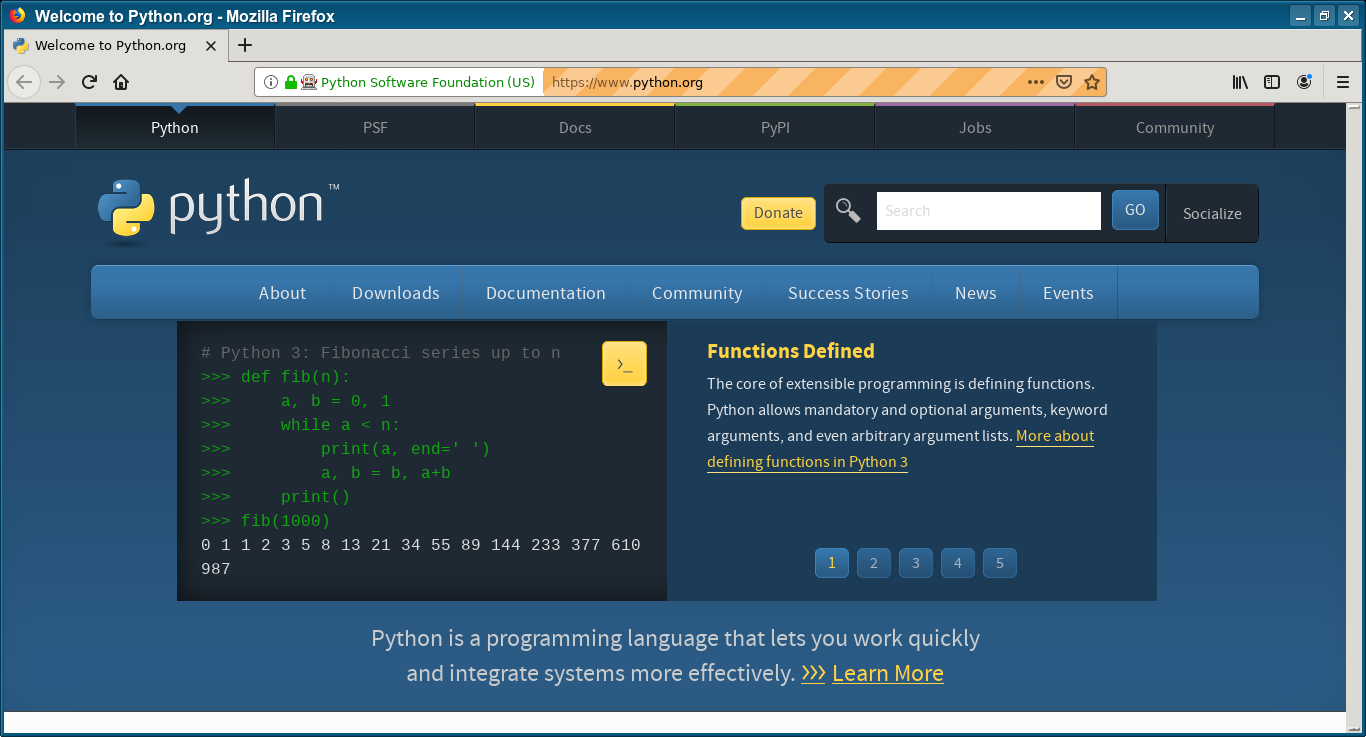
First import webdriver and the time module. These are required for interacting with the Web Driver.
from selenium import webdriver
import time
Then open your web browser, for instance, firefox with webdriver.Firefox() and maximize the window with the call maximize_window().
driver = webdriver.Firefox()
driver.maximize_window()
time.sleep(5)
Practice now: Test your Python skills with interactive challenges