Webpage elements can by foud by their id. That is one of the ways to select an element on a webpage with selenium.
You must have the element id, which you can get with developer tools. You can also use id or css to select a webpage element.
Practice now: Test your Python skills with interactive challenges
How to Find Elements with Selenium
selenium find element by id
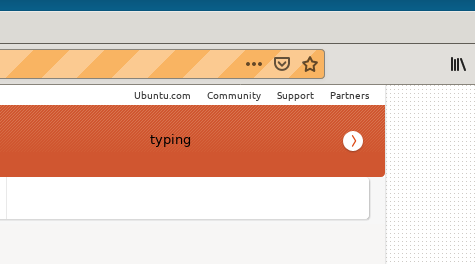
The selenium code uses find element by id to select the search box. Then it types a message in the search box.
#_*_coding: utf-8_*_

from selenium import webdriver
from selenium.webdriver.common.by import By
import time

browser=webdriver.Firefox()
browser.get("https://wiki.ubuntu.com")
element=browser.find_element(By.ID,"searchinput")
element.send_keys("typing")
print(element)
time.sleep(3)
browser.close()
selenium find list items
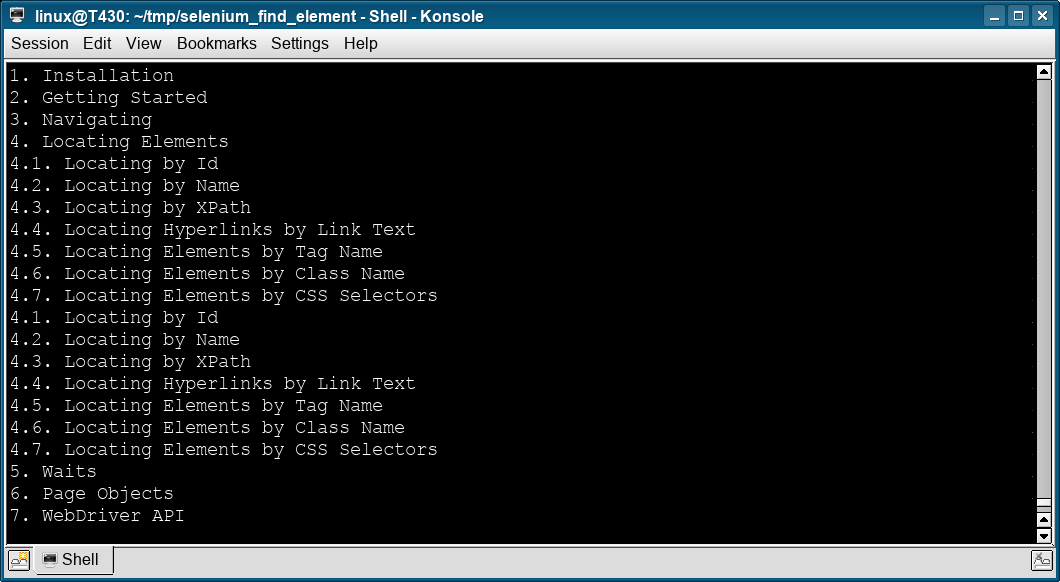
The Python code below uses selenium to find al the list items, li, on a webpage.
from selenium import webdriver
from selenium.webdriver.common.by import By

driver = webdriver.Firefox()
driver.get("https://selenium-python.readthedocs.io/locating-elements.html")

items = driver.find_elements(By.XPATH, '//li')
for item in items:
    print(item.text)
selenium find element by name
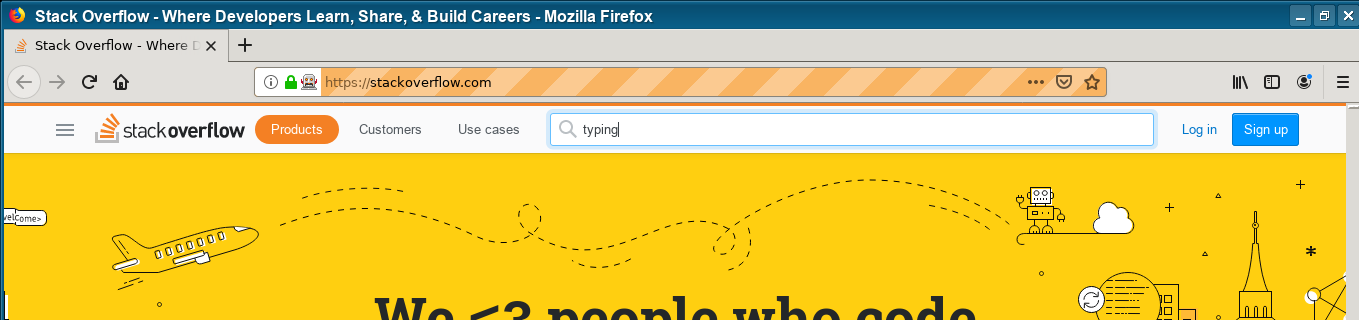
Selenium can find an element by name instead of code. That is done like this:
#_*_coding: utf-8_*_

from selenium import webdriver
from selenium.webdriver.common.by import By
import time

browser=webdriver.Firefox()
browser.get("https://stackoverflow.com")
element = browser.find_element_by_name("q")
element.send_keys("typing")
print(element)
time.sleep(3)
browser.close()
Practice now: Test your Python skills with interactive challenges